
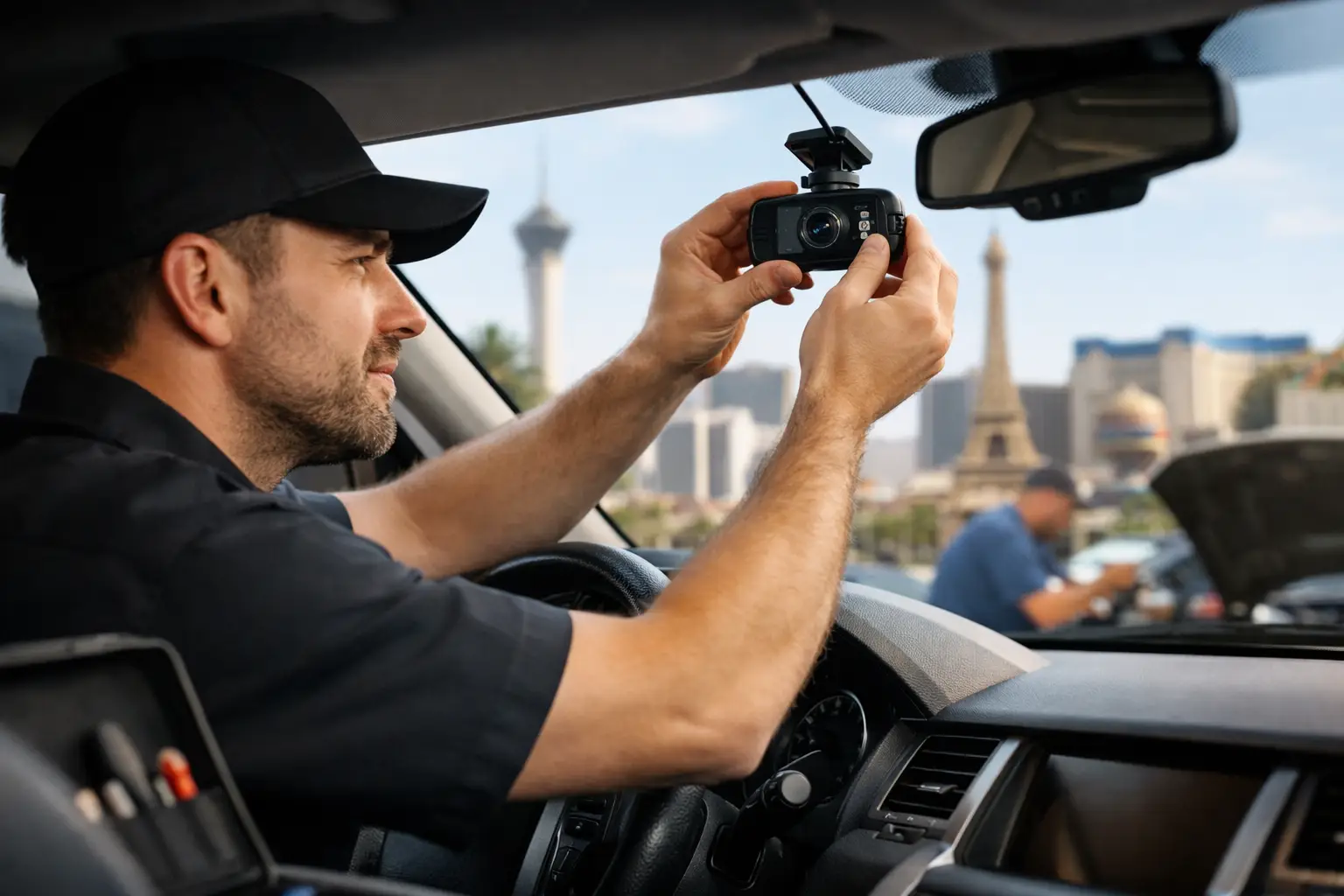
A close call on the 215, a parking lot door ding, or a hit-and-run outside your job can turn into a lot of back-and-forth without clear video. A professional dashcam installation service Las Vegas drivers can count on gives you more than a camera on the windshield. It gives you clean power, a finished look, and footage that is there when you need it.
Dashcams are a practical upgrade for daily drivers, work trucks, performance cars, luxury vehicles, and family SUVs. The right setup can document what happens on the road, watch over your vehicle while parked, and make your drive easier to review if something goes wrong. The key is choosing the right camera and having it installed correctly.
Why Professional Dashcam Installation Matters
A dashcam can be easy to buy. Installing it the right way is where the difference shows. Running a loose cable across the dash and plugging it into a 12V outlet may get the camera recording, but it can leave your interior looking unfinished. It can also occupy a power port you actually use and may not support parking-mode recording.
A professional installation routes wiring behind trim panels and connects the camera to the proper power source. The goal is a clean, factory-style result without exposed cords hanging by the mirror, across the windshield, or around the center console.
Hardwiring also allows many dashcams to use parking mode. Depending on the camera, it can record impacts, motion, or time-lapse footage after you park. That is a major reason Las Vegas drivers choose a hardwired setup, especially when a vehicle spends long hours at work, in apartment parking, at the airport, or outside a gym and restaurant.
Parking mode needs to be set up with care. A quality install uses the camera’s battery-protection settings so the system does not keep pulling power until your vehicle battery is too low. The ideal configuration depends on your vehicle, the camera model, how often you drive, and how long the vehicle normally sits.
Choosing a Dashcam Setup for Your Vehicle
Not every vehicle needs the same camera package. A front-facing dashcam is a solid starting point for drivers who want road coverage and clear evidence after an incident. A front-and-rear system adds coverage behind the vehicle, which matters when you are hit from the rear or want more visibility while parked.
For rideshare drivers, delivery drivers, parents with new drivers, and fleet vehicles, an interior-facing camera may make sense too. It can document the cabin without requiring a separate action camera or complicated setup. For enthusiast builds and luxury interiors, a discreet camera with a compact screen or screen-free design may be the better move.
Before ordering a camera, think about what you actually want it to do. Important features can include:
- High-resolution recording that makes plates and road details easier to review
- Front, rear, and interior camera coverage
- Parking mode with impact or motion detection
- GPS and speed data, if you want trip details recorded
- Wi-Fi or app access for saving clips to your phone
- A capacitor-based design that handles extreme heat better than some battery-powered units
You do not always need every feature. More cameras and more recording modes can mean more cost, more wiring, and more footage to manage. A simple front-and-rear system is often the best balance for a daily driver. A work vehicle or rideshare setup may justify interior recording and expanded storage.
Las Vegas Heat Is Part of the Decision
Summer heat is not a small detail in Southern Nevada. A dashcam lives near the windshield, one of the hottest areas in the vehicle. Choosing a quality unit built for higher-temperature use is worth it, and a professional installer can position it cleanly while keeping the driver’s view clear.
Heat also affects parking-mode expectations. If your vehicle is parked outside for long periods, camera settings and battery protection need to match how you use the car. Continuous recording is not always the right choice. Event-based recording can reduce unnecessary power use while still capturing a bump, impact, or movement around the vehicle.
What a Clean Dashcam Install Should Look Like
The finished result should look intentional. The camera should sit high on the windshield, usually near the rearview mirror, with a clear view of the road and without blocking your driving visibility. Wires should be tucked behind panels instead of draped across the cabin.
For a rear camera, the cable needs to travel from the front of the vehicle to the back without pinching, rattling, or interfering with airbags and trim. On hatchbacks, SUVs, and trucks, routing can be more involved because wiring often needs to pass through the rear liftgate area. This is where experience matters.
A proper install also includes testing. The camera should power on and off as intended, record from each installed channel, save clips properly, and enter parking mode according to its settings. If the model uses an app, it should be paired and checked before the vehicle leaves the shop.
The job is not just getting the camera to turn on. It is making sure the footage is usable when the unexpected happens.
Hardwire Kit or 12V Plug-In?
A 12V plug-in setup can make sense if you want a quick, removable camera or you are testing a dashcam before committing to a permanent setup. It is also an option for vehicles where you do not need parking mode.
Hardwiring is usually the better route for drivers who want a cleaner interior and parked-vehicle coverage. It frees up the 12V outlet, hides the wiring, and lets compatible cameras access constant power and accessory power through the correct configuration.
There are trade-offs. Hardwiring takes more installation time, and vehicles with advanced electronics, tight fuse-panel access, or intricate interior trim require extra care. That is not the place for shortcuts. A clean install protects the vehicle’s appearance and helps avoid annoying trim noise later.
Add a Dashcam During Other Vehicle Upgrades
Dashcam installation is a smart add-on when your vehicle is already in for window tint, audio work, lighting, CarPlay or Android Auto upgrades, radar accessories, or other interior work. Combining services can make the project more efficient because panels may already be coming off for related wiring.
It also gives you a chance to build a more connected driving setup. A modern infotainment upgrade, quality audio, clean phone integration, and a properly installed dashcam can make an older vehicle feel current without losing its personality. For trucks, sports cars, JDM builds, European platforms, and exotics, the install should fit the vehicle instead of looking like an afterthought.
Aftermarket Guru works across a wide range of makes and builds, so the approach can match your vehicle and the level of coverage you want. Bring your own dashcam if you already have one, or ask about ordering a setup that fits your goals.
Questions to Ask Before You Schedule
Start with the coverage you need. Do you want front-only video, front and rear recording, or interior coverage too? Then consider where the vehicle parks and whether parking mode is worth the additional setup.
Ask how the camera will be powered, whether battery protection will be configured, and where the rear cable will be routed if you are adding a rear camera. You should also confirm that the camera will be tested before pickup and ask how to access, save, and manage video clips.
A dashcam is not a replacement for safe driving, and it cannot guarantee every plate or detail will be visible in every lighting condition. But clear, properly captured footage can make a stressful situation much easier to explain. Pick the coverage that fits your real driving life, get the wiring handled right, and let your vehicle keep watch when you cannot.
3 responses to “Dashcam Installation Service Las Vegas Pros”
[…] retrofits. A driver restoring an older vehicle with Apple CarPlay, Android Auto, cameras, dashcams, and upgraded speakers may also prefer one planned project over several piecemeal […]
[…] Aftermarket Guru, dashcam installation can be planned around the rest of your build. If you are already adding tint, audio, lighting, […]
[…] major audio build in a short ownership window. In that case, targeted upgrades like speakers, tint, a dashcam, or a wireless CarPlay adapter may make more […]